Run the whole show from one screen
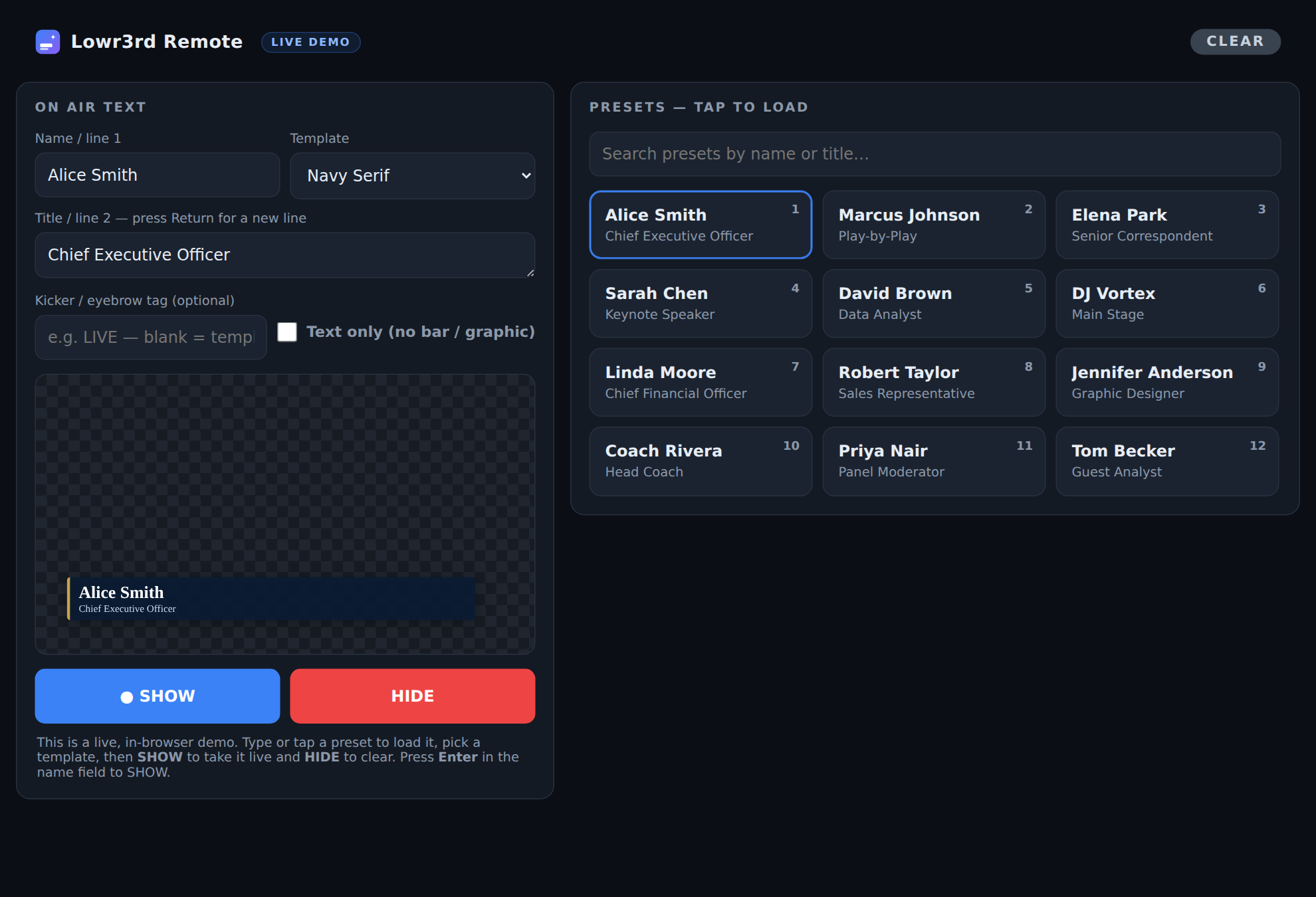
This is the real dashboard, running right here in your browser. Type a name, pick a template, tap a preset, then hit SHOW — the preview animates just like it does on air.
Lowr3rd is a desktop app for live shows and streams — animated name/title graphics, a rundown that syncs from Google Sheets, and a password-protected web remote you can run from any device on your network.
Windows & macOS · Feeds OBS, ATEM & any switcher · Free to use
Every clip below is rendered by Lowr3rd's own graphics engine — the same animations you'll put on air.
Classic news-style blue bar with a LIVE tag that slides on clean.
Modern gradient bar with a "LIVE" eyebrow tag and a smooth wipe-in.
Angled news bar with a breaking-news kicker — slides in from the edge.
Minimal line that types itself on, character by character.
This is the real dashboard, running right here in your browser. Type a name, pick a template, tap a preset, then hit SHOW — the preview animates just like it does on air.
Built for operators — fast to set up, hard to break during a live show.
Bars, underlines, stacks, ribbons, monograms and news bars — each a fixed, tidy size no matter the text.
Slide, roll/unroll, wipe, pop, typewriter, blur, flip, bounce, blinds, iris and glitch — with an adjustable speed.
Drive your whole rundown from a Sheet. Edit a name and re-sync — the rundown and your presets both update.
Open a password-protected control page from a phone, tablet or another computer and run the show from anywhere in the room.
An unmissable on-air indicator turns the remote red the moment a graphic is live, so no one flies blind.
Transparent floating window for OBS capture, or fullscreen to a second display / HDMI for keying downstream.
Build a running order, step with Next/Prev, and load any person into preview before you take them live.
A Companion module so you can fire show/hide, presets and rundown steps from a Stream Deck.
The web remote remembers your session, so an operator never gets kicked to a login screen mid-show.
Download Lowr3rd for Windows or macOS, or grab the Bitfocus Companion module.
↓ Go to downloads